Step 1
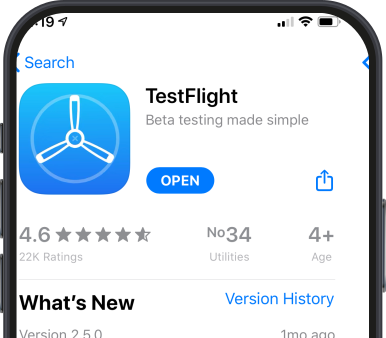
Download TestFlight
To install splus on iOS, you first need to download the TestFlight app from the Apple App Store. TestFlight is Apple's official platform for distributing beta apps. Tap the button below to open it on your iPhone or iPad.
Download TestFlight
Step 2
Open Soroush+ in TestFlight
After installing TestFlight, tap the button below on your iPhone or iPad. You will be taken directly to splus beta page inside TestFlight, where you can accept the invitation and install the app.
Install Soroush+ via TestFlight✅
Step 3
Install & Sign In
In TestFlight, tap Install to download splus. Once installed, open the app and sign in with your mobile phone number. Enjoy secure, fast messaging on your iPhone or iPad.
Need help? Contact us at info@splus.team